By ohcesafu octobre 15, 2026

At Winshark Casino, your dashboard is the central hub where each deposit, withdrawal, game choice, and security setting is stored. Ensuring that information correct and secure avoids delays, guarantees adherence with German regulations, and provides you with total command over your gameplay. This walkthrough walks you through the exact steps to create, verify, and keep up your profile so you can concentrate on the games instead of paperwork.
Creating Your Winshark Casino Account
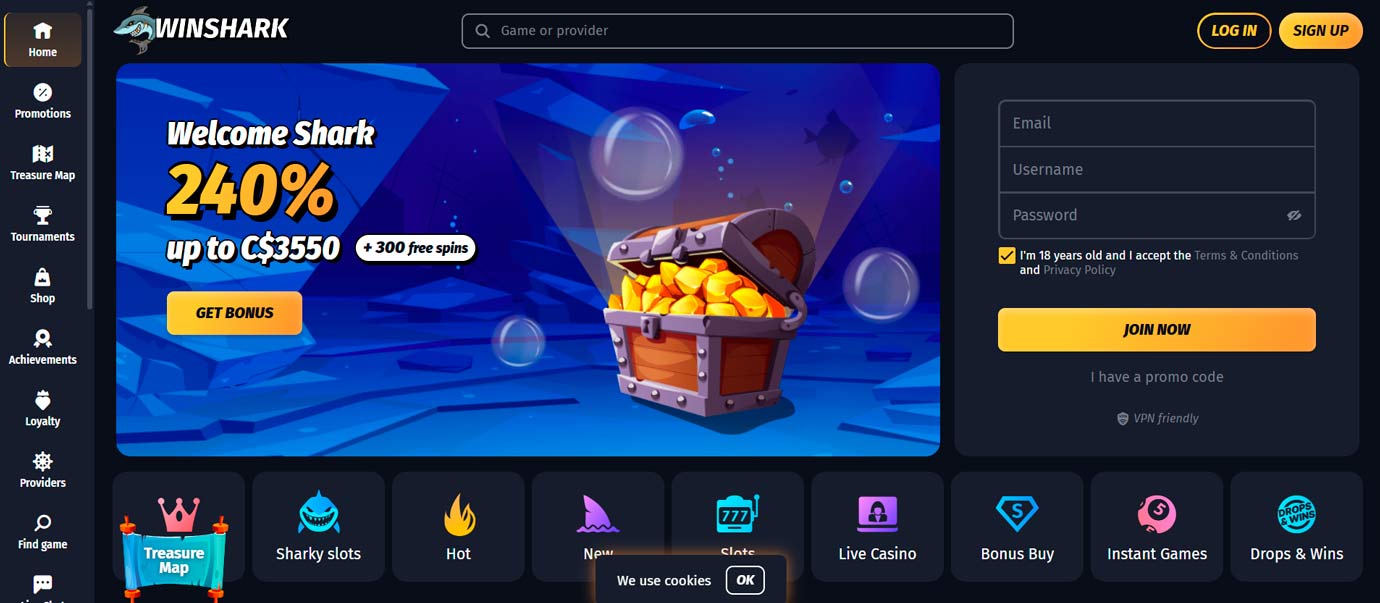
Sign-up at Winshark Casino commences with a straightforward online form that gathers only the data required by German gambling law. You need to input your full legal name, date of birth, residential domicile, email account, and a mobile phone contact that can receive SMS codes. The software validates your age in real time against the German identity registry before permitting the next phase, so confirm the data match your official documents accurately.
After the preliminary form is sent, you get a confirmation email with a six-digit code. Enter the code in thirty minutes to unlock the account. If the code runs out, use the resend option on the login page; each new code renders useless the prior one for safety. Once the code is accepted, you can right away establish a secure password that must contain at least twelve symbols, including one uppercase letter, one numeral, and one sign.
Before finishing registration, check the pre-populated sections for any mistakes. A mere misspelled street designation can delay verification afterwards. Store a image of the completed form in case the browser session ends. The whole process usually needs under five minutes’ time on a stable connection.
Handling Funding and Payout Options
Your profile features a dedicated payment section where you can attach, confirm, and delete deposit and withdrawal solutions. Available options cover SEPA bank transfers, major credit and debit cards, and selected e-wallets. Each new option must be confirmed with a small test payment or by verifying a code sent to your registered email.
Before initiating a withdrawal, make sure the picked method matches the name on your verified identity files. German law prohibits third-party transactions, so the account holder name on the bank account or card must be the same to the name on your ID. Settlement times vary from instant for e-wallets to three business days for SEPA payments, relying on your bank.
- SEPA bank transaction – complimentary, 1–3 business days
- Visa / Mastercard – immediate deposit, 1–2 days withdrawal
- PayPal and Skrill – immediate both directions, small fee may apply
- Bitcoin – funding in a few minutes, withdrawal within one hour after authorization
Modifying Personal Information
Life events such as marriage or relocation necessitate you to update your profile details. Go to the personal information tab, select “Edit,” and type the new data. The system identifies any change that influences your verified identity and may require fresh documents within fourteen days to preserve your account in good standing.
Altering your email address initiates an additional security step: you must verify the new address by selecting a verification link sent to both the old and new mailboxes. Phone number changes follow the same process and require an SMS code to the new number before the update is finished.
Always keep at least one verified contact method active. If both email and phone become inaccessible, support may suspend the account until you go to a verification centre with original documents. Modify your address before moving; outdated records can trigger automatic compliance reviews.
Signing In for the First Time
Once your account is active, go to the login page and enter the email address you used during registration together with the password you created. If you have enabled two-factor authentication, you will also get a six-digit code via SMS or authenticator app. Input the code within sixty seconds to complete the login sequence.
The first time you log in, the system prompts you to check and accept the latest version of the terms and conditions. Scroll through the document or use the search function to find sections about responsible gaming limits and data protection. After you click “I accept,” your profile dashboard loads and shows your current verification status, deposit methods, and any pending bonus offers.
Bookmark the dashboard URL on your usual device so you can come back quickly. If you use multiple browsers, clear cache and cookies before the first login to avoid conflicting session data. The platform also includes a “remember this device” option that reduces future prompts while still enforcing two-factor checks on new hardware.
Comprehending Account Limits and Constraints
Winshark Casino applies several mandatory limits to encourage responsible gaming. You can establish a daily, weekly, or monthly deposit limit directly in your profile under the responsible gaming section. These limits cannot be adjusted more than once every twenty-four hours, providing you time to reconsider any change.
If you hit a self-imposed limit or the legal maximum stake per game, the system presents a clear message and stops further play until the limit resets. You can also activate a temporary time-out ranging from twenty-four hours to six weeks or ask for permanent self-exclusion, which blocks access to the platform for a minimum of one year.
Deposit limits are distinct from game-specific stake caps. Even if your daily deposit limit is high, individual roulette or slot games may still cap single-bet amounts. Check the responsible gaming page monthly to ensure your chosen limits still match your budget and playing habits.
Enabling Two-Factor Authentication
Two-factor authentication adds a second verification layer that protects your balance even if your password is stolen. On the security tab of your profile, choose either SMS-based codes or an authenticator app such as Google Authenticator or Authy. Scan the displayed QR code with the app or enter the phone number for SMS delivery, then validate the first generated code to activate the feature.
After activation, each login attempt generates a new code that changes every thirty seconds. Save backup codes in a secure location; these one-time codes enable you to regain access if you lose your phone. You can disable two-factor authentication at any time, but the system will demand identity re-verification before turning the feature off.

Write down the backup codes on paper and store them separately from your phone. If you travel frequently, consider an authenticator app that supports cloud-encrypted backups. Avoid sharing the QR code or backup list with anyone, even support staff; legitimate employees will never ask for these details.
Validating Your Identity (KYC Process)
Winshark Casino complies with the German Anti-Money Laundering Act, which requires every player to complete a Know Your Customer check before any withdrawal can be processed. You will be asked to upload a clear photo of a government-issued ID such as a passport, national identity card, or driver’s licence. The document must display your full name, date of birth, and a recent photograph, and it must not be older than ten years.
In addition to the ID, you need to furnish proof of address dated within the last three months. Acceptable documents include a utility bill, bank statement, or official tax notice that lists your name and current German address. Send both files in PDF, JPG, or PNG format; the maximum file size is 5 MB per document. Most verifications are finished within two hours during business days, though complex cases may take up to twenty-four hours.
Keep the original files on your device until verification is successful. If the first upload is declined for glare or cropping, recapture the photo against a plain background with all four corners visible. Never modify or compress the images yourself; the system performs automatic quality checks that may mark altered files.
Resetting a Forgotten Password
If you cannot remember your password, click the “Forgot password?” link on the login page. Provide the email address connected with your account, and the system sends a reset link that remains valid for two hours. Access the link on the usual device and browser you normally use to prevent additional security checks.
On the reset page, establish a new password that is different from your previous three passwords. The system enforces the same complexity rules as initial registration. After the password is changed, you are automatically logged in and prompted to review recent account activity for any unauthorised access attempts.
If the reset email arrives in spam, include the casino domain to your safe-sender list before soliciting another link. Steer clear of using public Wi-Fi during password recovery; an attacker on the same network could hijack the reset token if the connection is insecure.
Frequently Asked Questions
How much time does identity verification normally require?
Most documents are reviewed within two hours on weekdays. Complex cases involving manual checks or additional information can extend the process to twenty-four hours. An email notification will be sent once verification is finished or if additional documents are needed.
May I update my registered email address at a later time? verwandte Inhalte
Yes. Go to the personal information section, enter the new address, and confirm both the old and new mailboxes. To ensure account security during the switch, the modification is activated only after you click the verification links delivered to each mailbox.
What is the outcome if my withdrawal method name does not correspond with my ID?
The casino will reject the withdrawal request and ask you to update the payment details. You must provide a bank statement or card image showing the same name as your verified identity documents before the withdrawal can be processed.
Is two-factor authentication mandatory?
No, but it is strongly recommended. For large withdrawals, accounts without two-factor authentication could be subject to additional verification steps. Activating this feature adds just a few seconds to every login while greatly lowering the risk of unauthorised access.
What is the process for setting a deposit limit?
Go to your profile, winsharkcasino neue konto-anmeldung, find the responsible gaming tab, and pick daily, weekly, or monthly limits. Enter the desired amount and confirm. The limit takes effect immediately and cannot be raised again within the next twenty-four hours.
May I start playing before my documents are verified?
Depositing and playing most games is possible immediately following registration. However, withdrawals stay blocked until identity verification is finished. This policy follows German gambling regulations and protects both the players and the casino.
What steps should I take if I lose access to my authenticator app?
Utilize one of the backup codes that were given when you initially activated two-factor authentication. If you no longer have the backup codes, contact customer support with your verified ID documents to request a manual reset of the two-factor settings.